


Thank you JP Bristol, JJ – Millionaire Mindset, Jim Chianese and everyone for tuning into my live video!

Hi friends!
I just went live to speak about a pain many feel. You wrote the article but then you realise: Geez, I also need an image! A good one, that speaks about the content, but also looks good on my website etc etc.

It can drive you nuts, especially after you are exhausted from the actual writing part.
This is where Canva Templates come in.
Because let’s face it… AI cannot create an image and spell at the same time. Soon it may do that… but not for now. So for now I have my trusty Substack Image Template on Canva. I just duplicate the last one I used, change the title, tweak colours and I am good to go. A two minute job. A lot of pay-off.
3 reasons to create custom branded article images
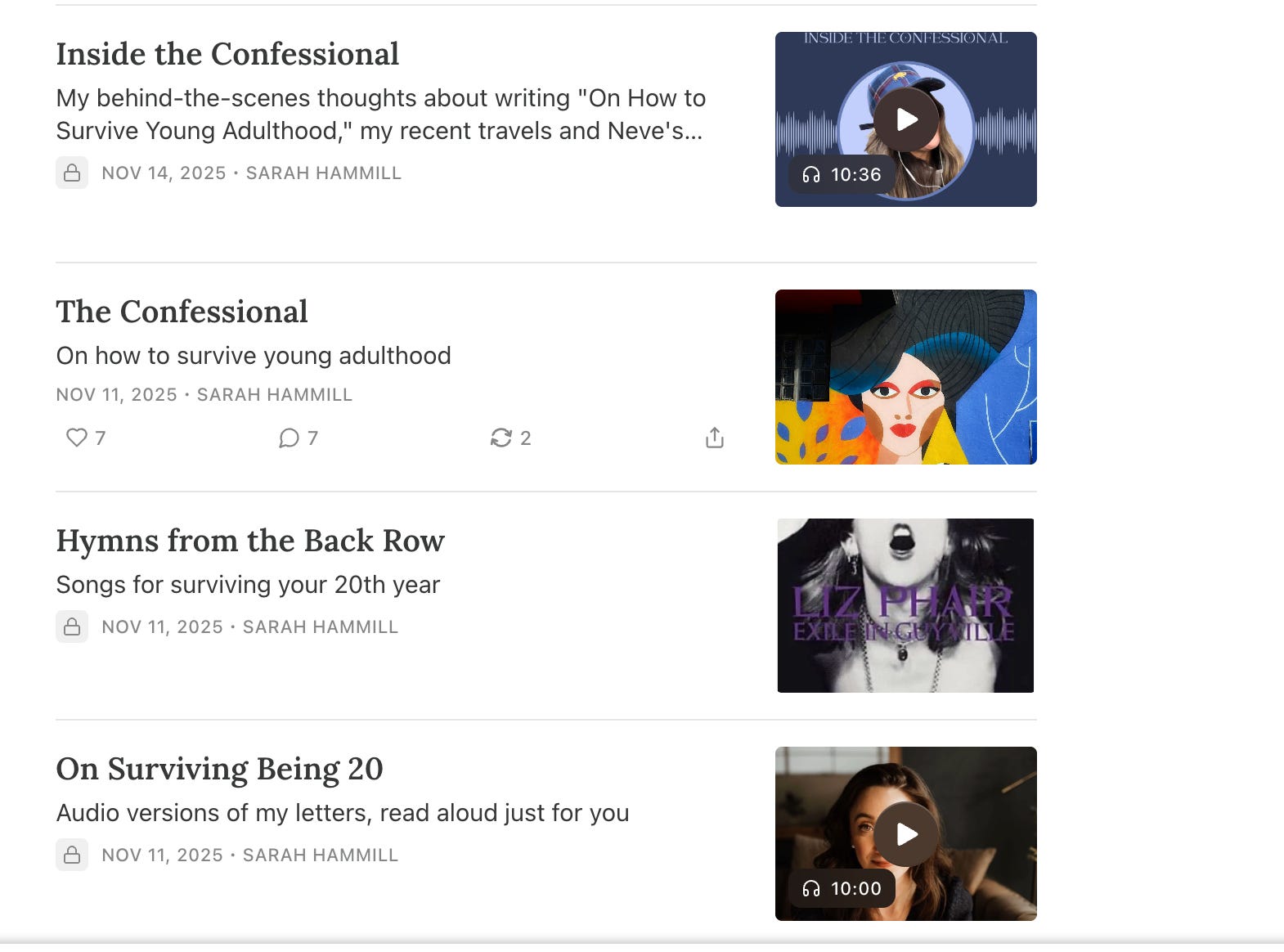
To make your Substack look like a bona-fide pro website. If you do not use custom images… your Substack will look like a personal BLOG. If you like the blog vibe, that is absolutely fine! Example:
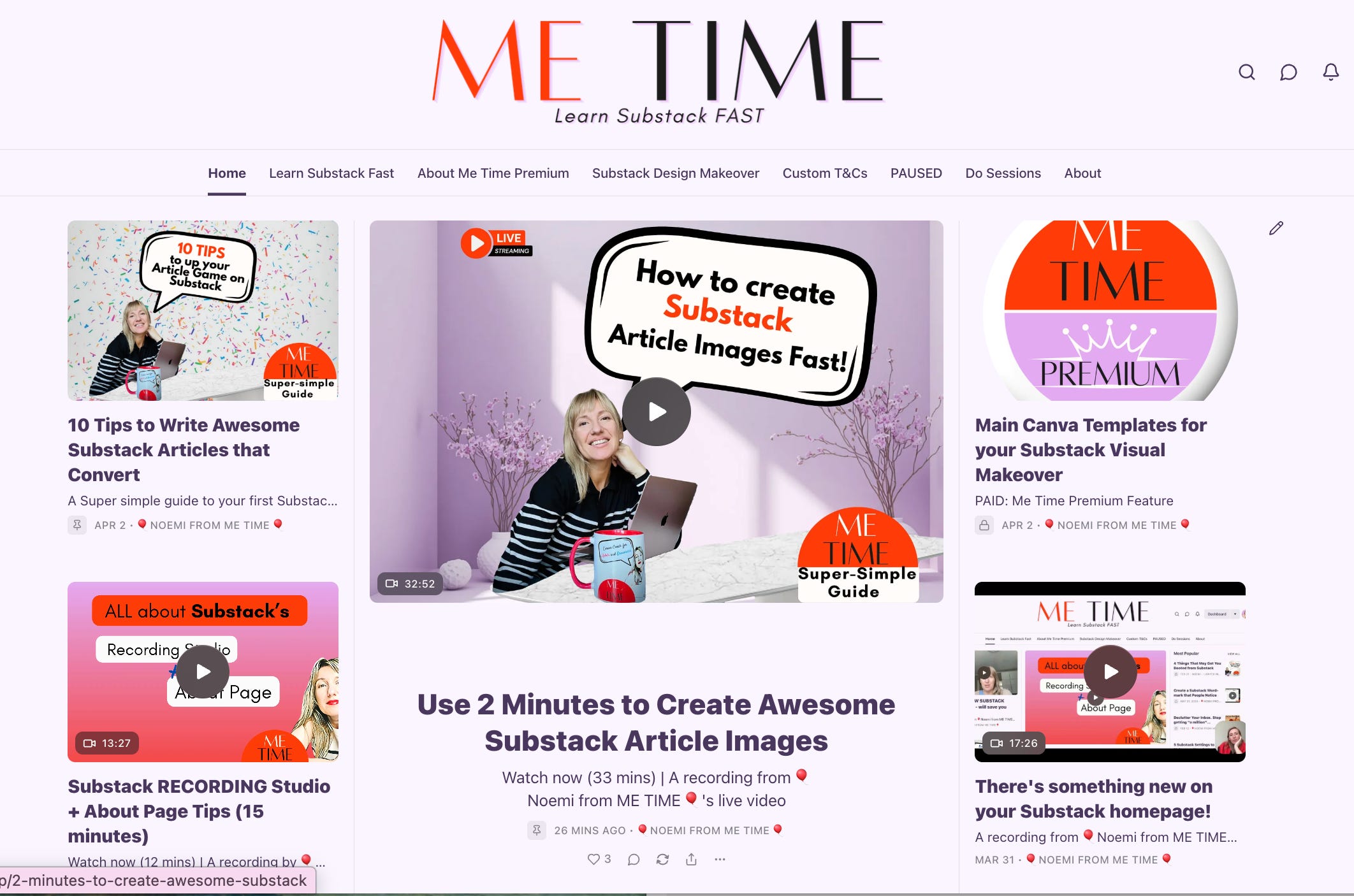
But if you want your Substack to look like an actual website, then you need to think of design. Here is my publication. It looks like all these articles are from the same person, from the same brand, from the same source. Right? Also, the article pictures tell you what you get if you read on.
That is what you want if you are running a business not just a personal blog.
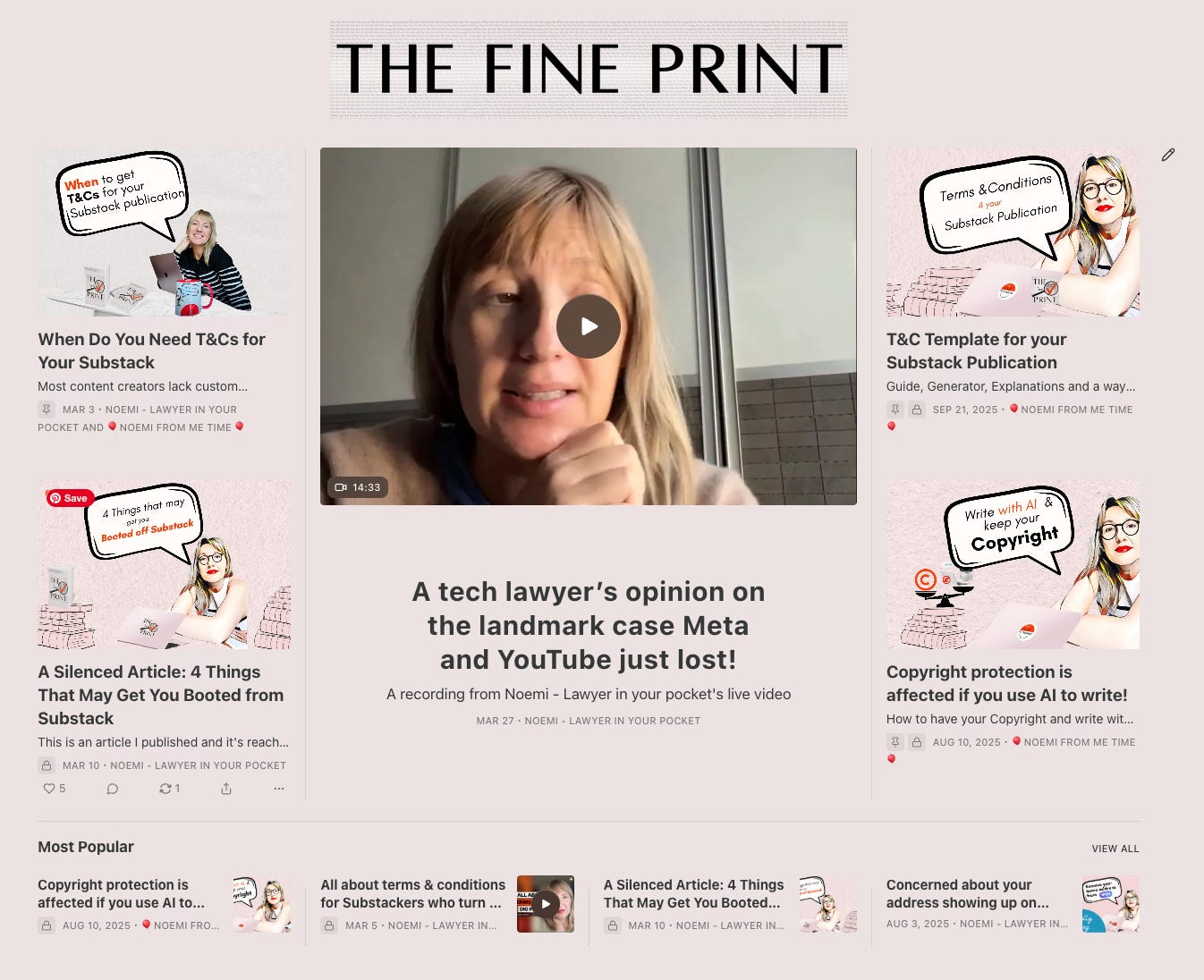
Another example from my other Substack publication:
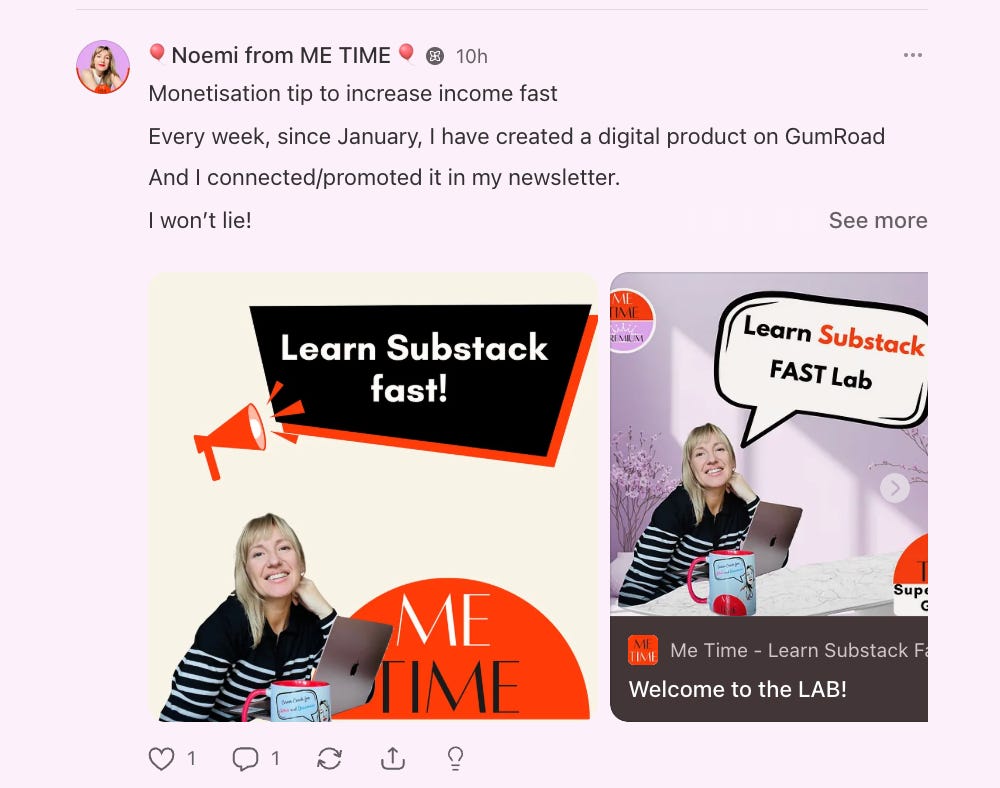
STOP THE SCROLL: You have 3 seconds to stop the scroll. If you use a random image for your article, then share it on notes… people may not even notice it’s from you. They may be in a rush. Now look at my note. They know in 2 seconds who it is from and what it’s about.
Custom Images can also be used strategically. This is the template I also use to let people know what they find behind a paywall.
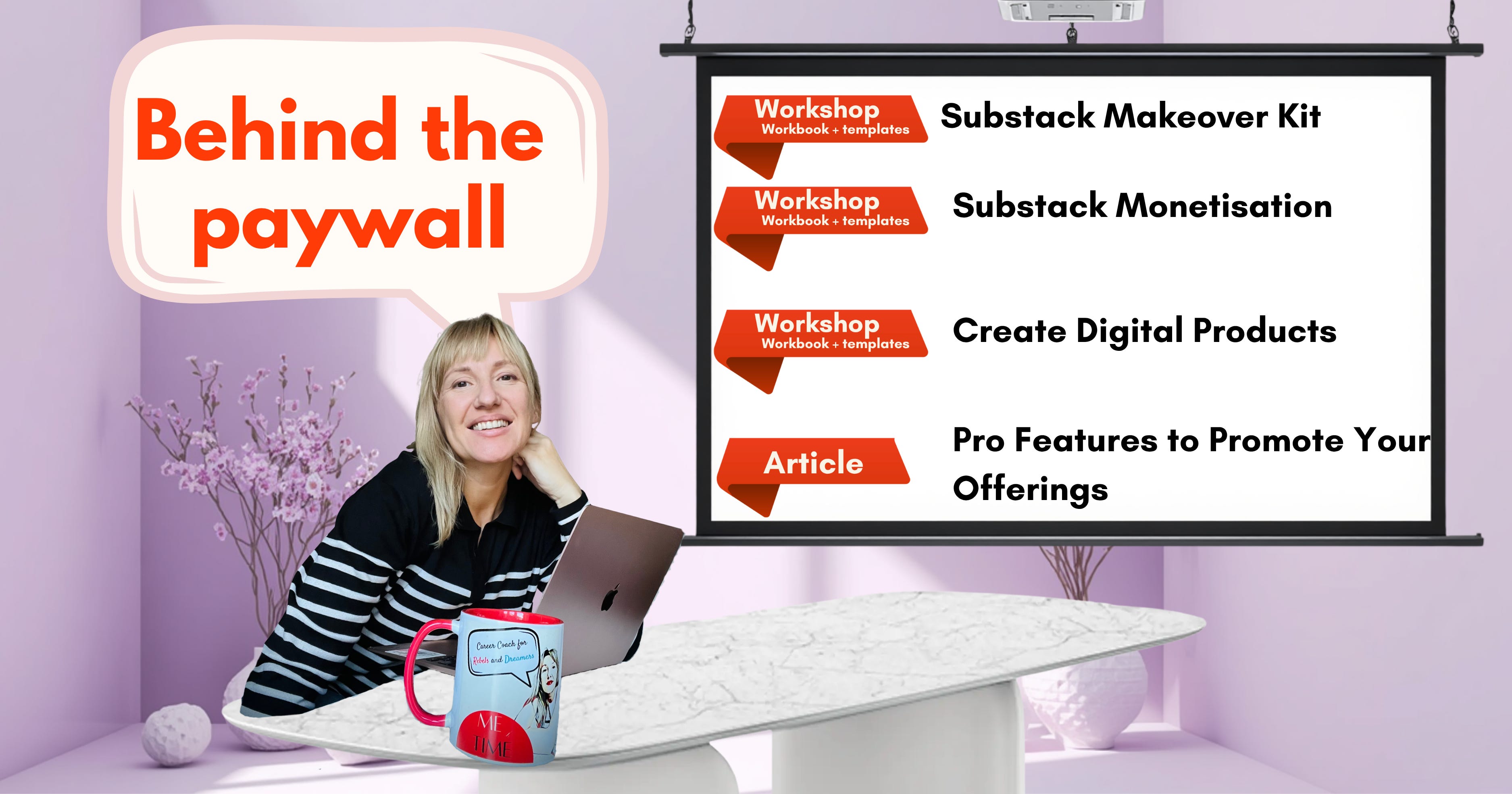
To get beautiful design templates and much more from Me Time Premium, find out more from the below button

3 Options for Image Templates for your Substack
As I mentioned, if you are Me Time Premium Subscriber you have access to my Canva Templates Kit from the Learn Substack Fast Lab. Look for the “makeover” section and happy image creating! As your other Me Time Premium benefit, DM me if you have questions about the content or the template.

Another way to create awesome images for your Substack articles, that make your website look professional, they will stop the scroll, and help you stand out, you can make a one-time purchase of my Canva images for Substack Kit from here.
There are a few product options. The best value are with my Full Canva Branding Kits
They include a workshop and templates for:Substack article images, logos, custom sign off signatures, substack wordmark (website title), customer review templates AND MORE!

Do your research, create your own templates.
All are great options <3 Your call!
I hope this article and the live were useful to you!

To upgrade to Me Time Premium, press button below.

Legal notice: Accessing and reading Me Time, participating in calls, subscribing, participating on the Me Time Chat and any interaction with https://metimepost.substack.com/ is under the Me Time T&Cs.


