

All you need to give your Substack a Visual Makeover!
Learn Substack and Canva tricks and get Substack ready templates to make your own Substack publication stand out!


Hi friends,
The Canva for Substack design sessions ware a HUUUGE success!
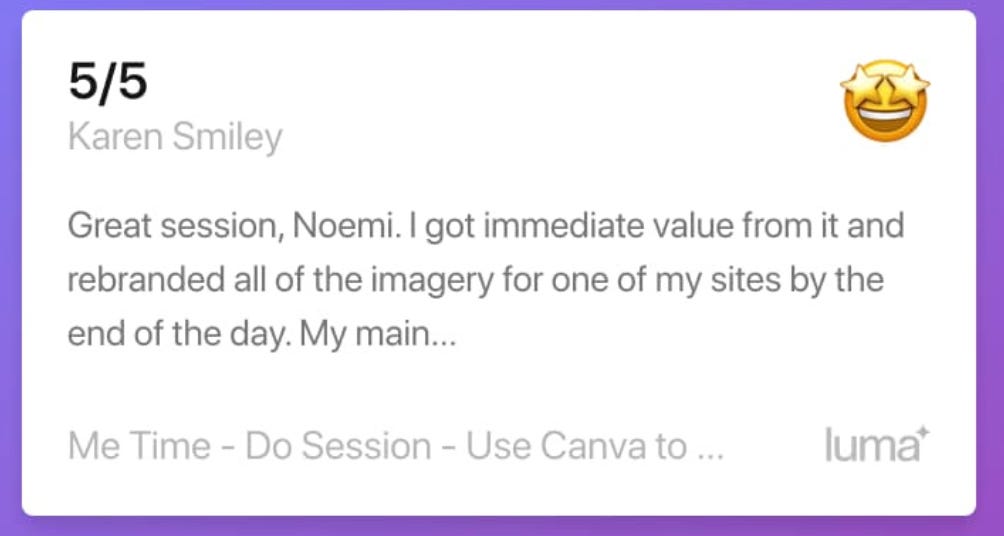
I have taken notes and now have created version 2.0 of the Canva for Substack Workshop & Guide. See the review for Session 2 above!
Now I am making the Canva Workshop AND the most innovative templates available for everyone!
Why innovative? Because I wanted to make them easy to use by regular people, not just designers. And from the reviews… I think I have managed!
What’s in there?
All the Canva templates you will ever need to give your Substack a makeover.
Examples of designs you can customise.
Guides to ensure the info/text in your image doesn’t get chopped on Substack.
All the Substack settings linked to your Substack Visual Identity you need to know.
A workbook with even more info… especially if you need to give your Canva/Design skills a brush up.

With a day’s work, you can make your Substack
look professional!

If you want to see how to get it… There’s a shiny red button below and what to do after you get yours.


If you’re asking yourself… Is this for me?
It’s a YES if you:
Have a free Canva account or even better → a premium one.
Know (more or less) what you’d like your publication to look like → colours, style, elements you want to have (or willing to play around and figure it our)
Want to do the work yourself!
Have a Substack Publication you want to give a makeover to.
NOT FOR YOU IF
Don’t have any computer skills or computerYou cannot figure out how to publish your first article on Substack.You don’t have a Substack Publication nor do you plan to start one.You are colorblind and no color-full friends to help you…
Here’s what 3 LIVE participants said about the Workshop
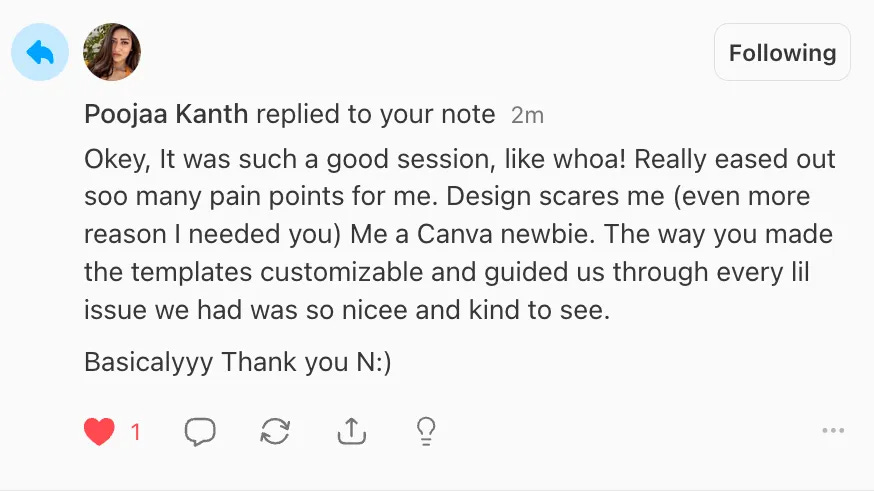
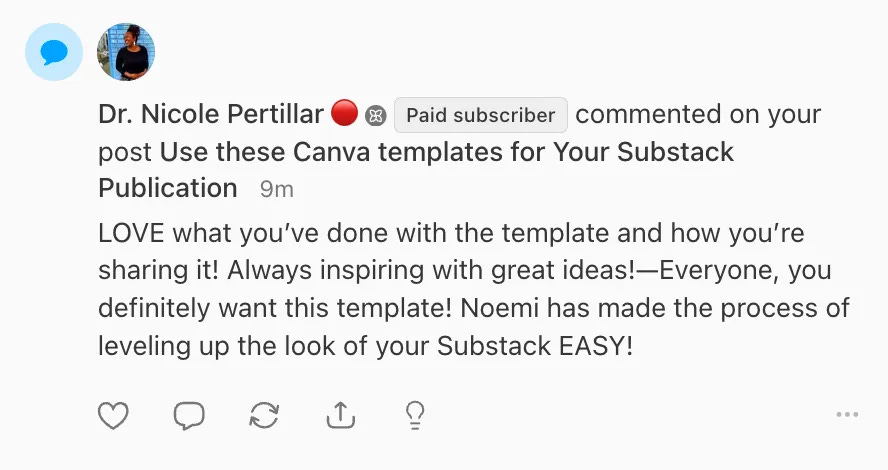
P.S. You can get someone to help you make the updates with the help of my templates! That’s what one of my subscribers did.
If you end up getting the Canva Workshop
This is what you should do:
Brush up your Canva Skills first
Get a good idea of what you want to create (e.g. have some examples you like to guide you and to maybe even get similar colors.)
Watch the workshop and try to follow along with the template I give as an example
(REPEAT AS NEEDED) Download the design, upload it to your Substack, see how it looks. If it needs tweaks … do that, download again, add to Substack.
If you have questions, and you’re a subscriber DM me. Will try to help.

This product is offered Terms of Me Time to be found here.
Read/Watch Next:
How to choose your Substack Publication Colours.

 | A guest post by
|